You need to be registered in order to do the following:
Post to Metastorm Community Central (MC2)
Access the Metastorm Customer Zone, Metastorm Partner Zone, or Metastorm ProVision Support site
Access software downloads and documentation in the Knowledge Center.
Note that 2 and 3 above also require a valid maintenance & support contract.
Here’s how to register:
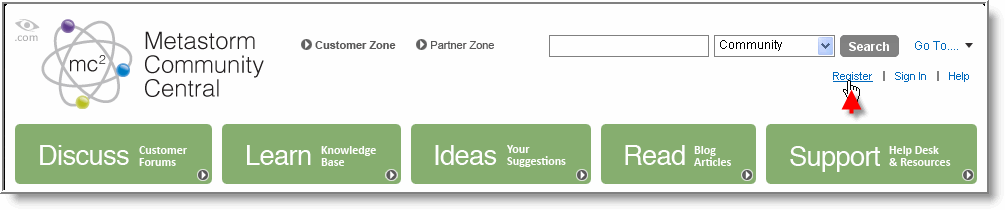
- Click on the ‘Register’ link at the top of the page.
- Provide the requested information on the registration form.
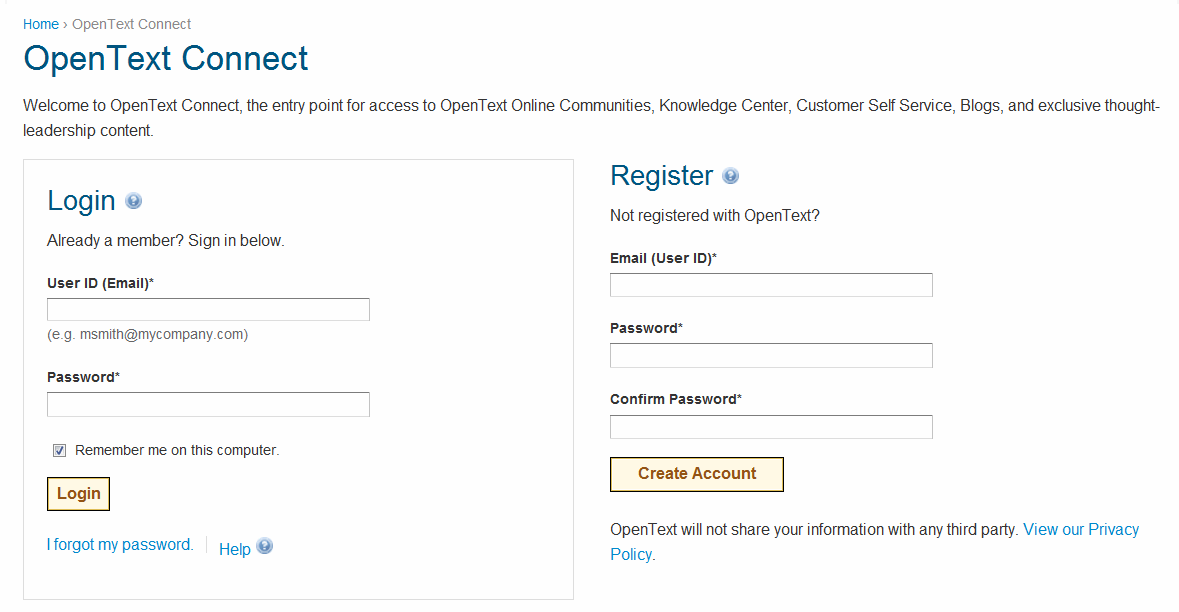
Click 'Create Account'.
You will receive an email from connect@opentext.com. Click on the link in the email to validate your address.
Once you've signed in to Metastorm Community Central and created your display name you can post now in the Community.
If you have a valid maintenance & support contract and would like to access the Knowledge Center (for downloads) or the Metastorm support sites, you need to contact communityadmin@metastorm.com for further account configuration.
