Hi Developers,
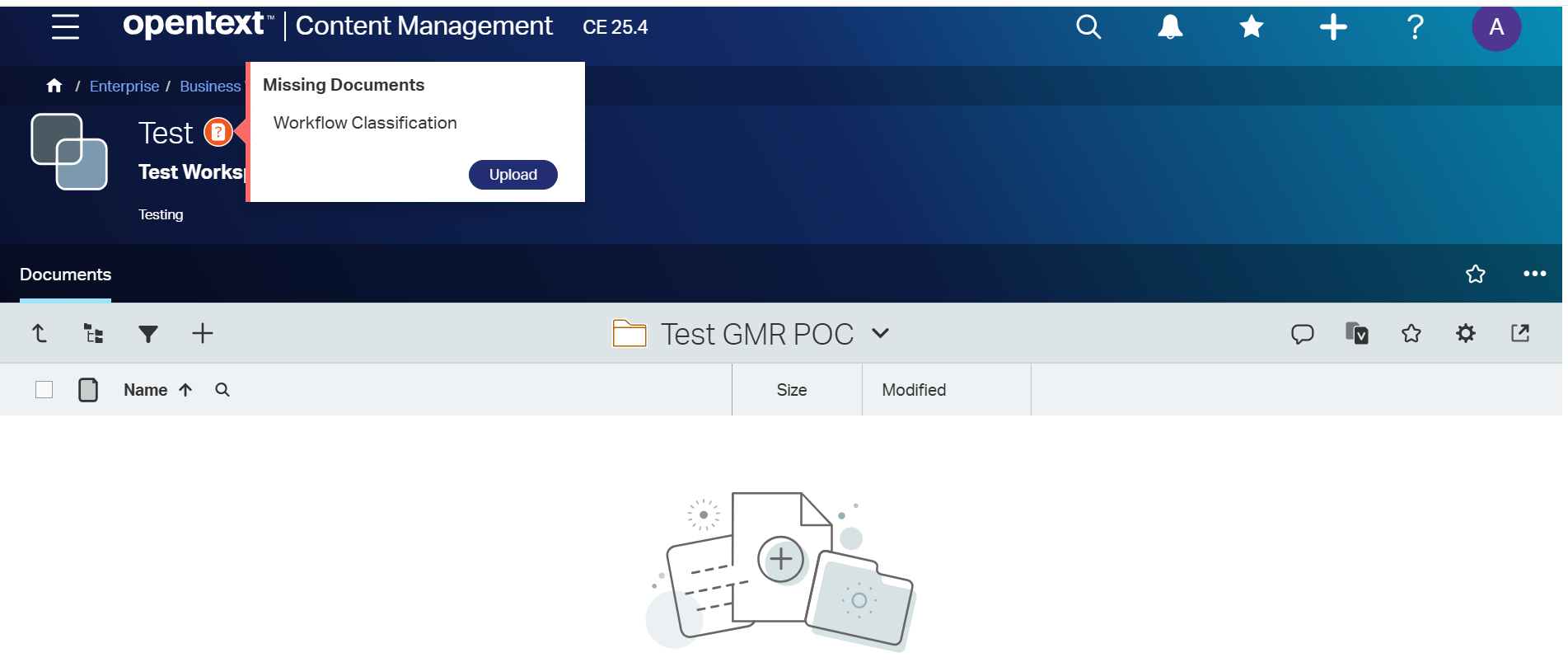
OpenText Content Server has introduced a new Smart Document Type option, which provides the following capabilities within Business Workspaces:
- Uploading missing documents
- Restricting document types allowed within a Business Workspace
- Automatically outdating documents based on expiry date categories
- Uploading documents into Business Workspaces through an approval-based process
All of the above functionalities are configured and managed by creating a Smart Document Type under the Business Workspaces configuration.
Observed Behavior
When documents are uploaded using the Smart Document Type upload option, all configured validations work as expected, including:
- Document type restrictions
- Mandatory/missing document checks
- Expiry and validity controls
However, when a document is dragged and dropped directly into the Business Workspace, these validations are not enforced. The system allows restricted or unsupported document types to be added without any checks.
Clarification Required :
Could you please clarify whether this behavior is:
- An expected system limitation (i.e., Smart Document Type rules apply only to manual upload via the Smart Document option), or
- A product defect/bug, where validations should also be enforced during drag-and-drop uploads
Thanks,
Nitesh

